[ Case Study ]
Building an interactive desktop simulation for sales training
- Framework
- Next.js
- Key integrations
- SCORM
- Timeline
- ~3 Months
A little while back, I worked with one of my creative studio clients to build an interactive sales training course for delivery through an LMS (Learning Management System) using SCORM, based around a simulated desktop interface.
The studio handled the design, content & overall strategic approach, which I then brought to life. I took ownership of the overall architecture and development, later working alongside their team through testing and delivery, with an overall development timeline of around 3 months.

A simulated workplace
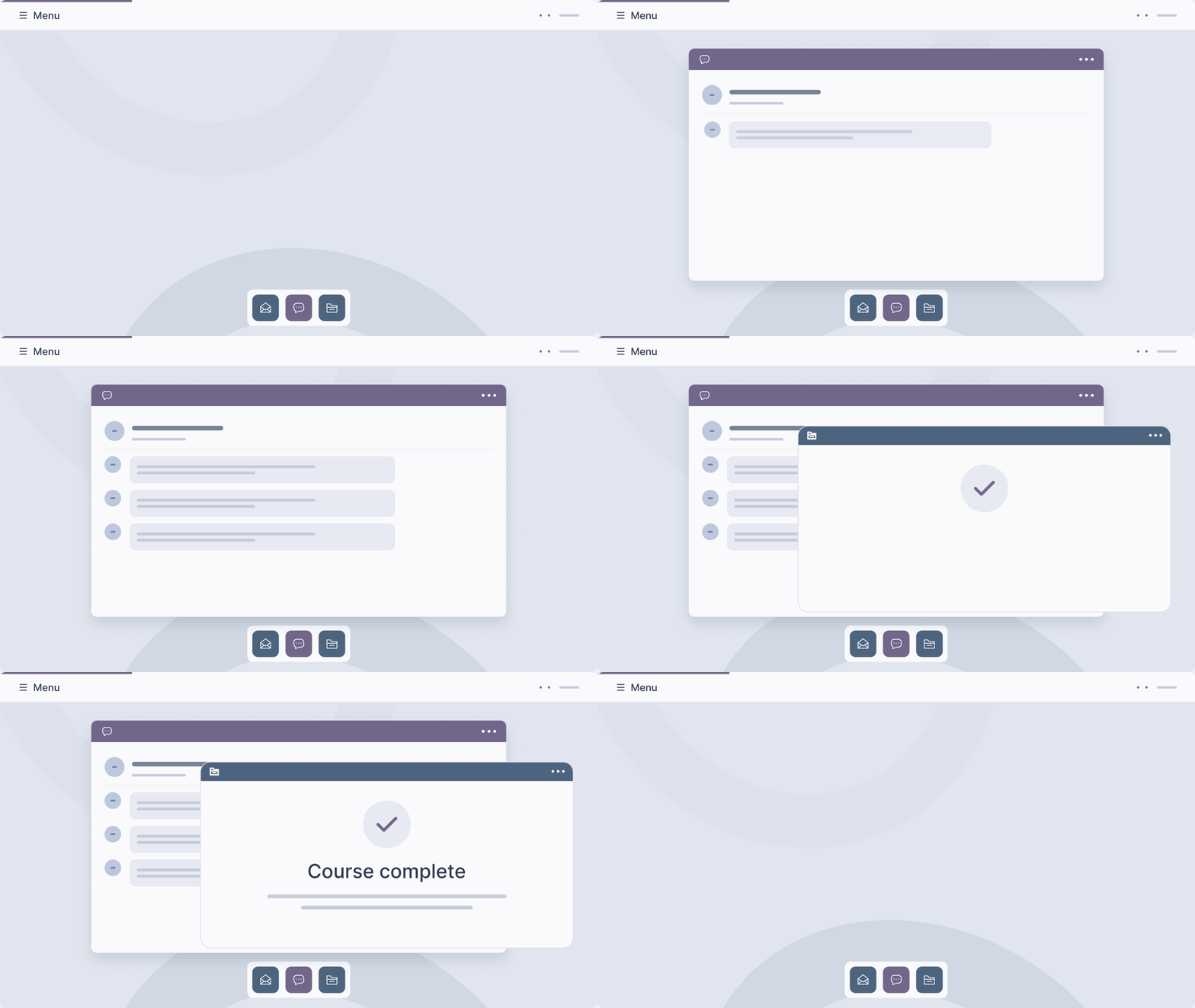
The course unfolds across several simulated working days. Users (aka learners) practise and learn sales skills through email and chat conversations, video calls, reference documents and practical activities, all within a familiar desktop interface.
Transitions from one ‘scene’ to another play an important role. Simulated notifications, triggered by clicks, scrolling to specific points or timed events, prompt users to proceed.
Subtle sound effects, micro-interactions and transitions tie the experience together to help make it feel ‘alive’. We even have a simulated boot sequence inspired by my beloved Windows XP.
Once users log in, the environment remains visible without reloading as they navigate through the simulated workdays, with their responses influencing the feedback and follow-up content they receive.
Users also have access to a navigation menu that updates as they progress. This allows them to revisit earlier parts of the simulated workdays, but never skip ahead to a part they have not yet ‘unlocked’.
Building the application
The application is built in Next.js and React, with a persistent desktop interface and reusable components underneath it, utilising CSS Modules for styling. The interface, course content and scene definitions are kept separate, so changes to one part can be handled without rebuilding everything around it.
A core part of the work was managing how the application moves between scenes whilst keeping the experience seamless, without page reloads. User data and progress are managed through React state and shared context, with relevant data & updates passed up to the LMS where required. Saved progress is restored when users return to the course, allowing them to pick up where they left off.
Each ‘scene’ is defined within a scene sequence list, which tells the application which layout to display, what content to load, and what transition to take. With everything built as reusable components, different content can be loaded into the same windows without having to build every scene from scratch.
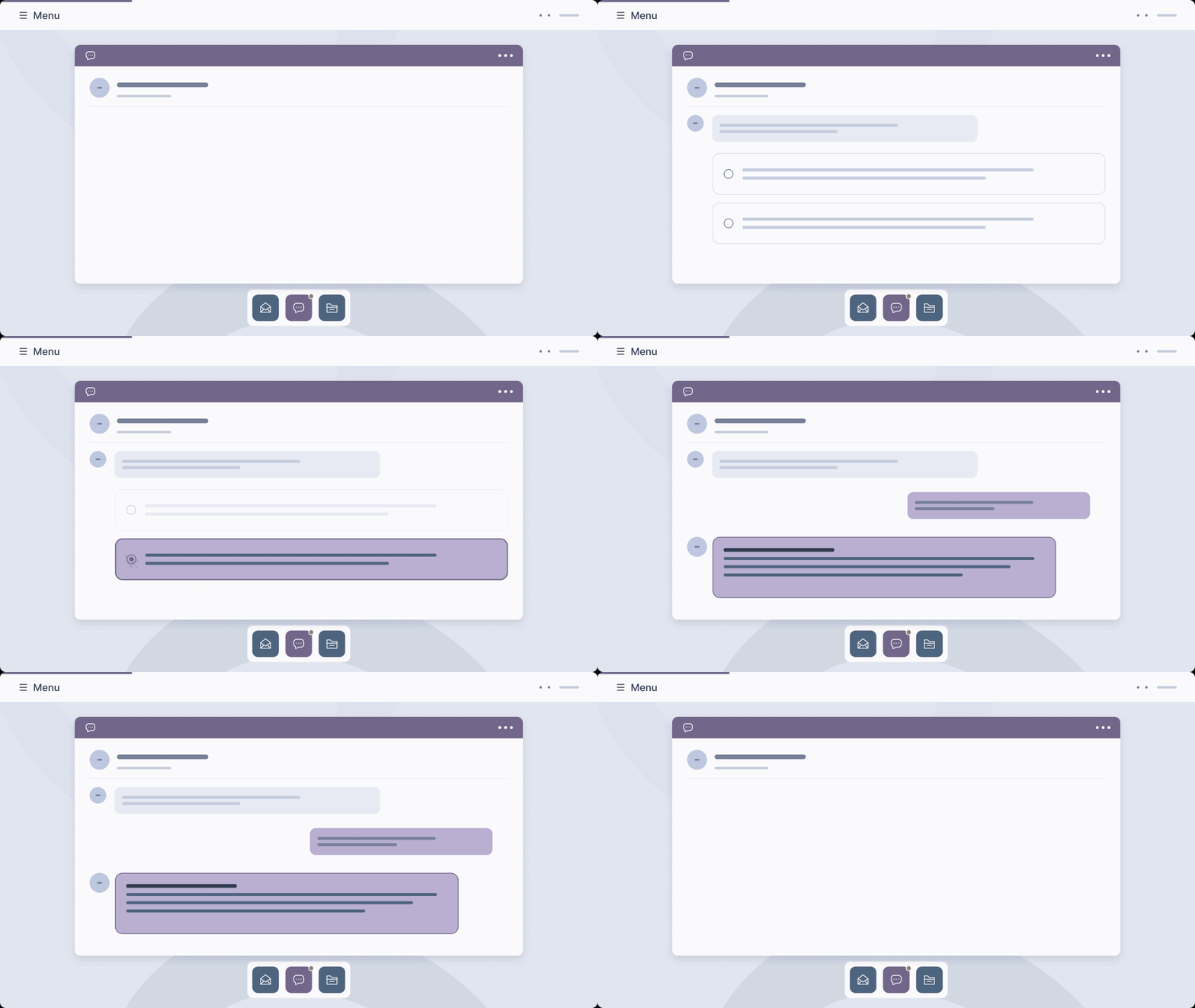
Whilst every window type had its own implementation and challenges, the ‘Chat’ window was perhaps the most involved. We needed to set individual delays between messages where required, handle different response flows based on the user’s selected answers, and trigger notifications or transitions to the next scene at the relevant points.
This was handled through message definitions within the content, with the chat component using state and timers to manage the flow. Messages could pause for user input or media playback, then continue with the relevant follow-up content once the user was ready.
Gamifying the learning experience
As users worked through the course content, an important aspect was being able to test their knowledge and put what they had learnt into practice through scored exercises, with their results recorded and passed back to the LMS through SCORM.
These exercises took many shapes and sizes, appearing within the existing windows or as standalone scenes, whilst still flowing within the desktop interface. Conditional routing and message flows provided relevant explanations and feedback based on whether the user’s answer was correct or incorrect.
One example of this was a simulated screen share/video call, which paused at specific points for users to answer relevant questions. They then received feedback based on their selected answer before the call continued, with all results feeding into the exercise score behind the scenes.
Maintaining Accessibility
Due to the large user base, accessibility played a key role in testing to help ensure users with different access needs could navigate the course and complete its activities.
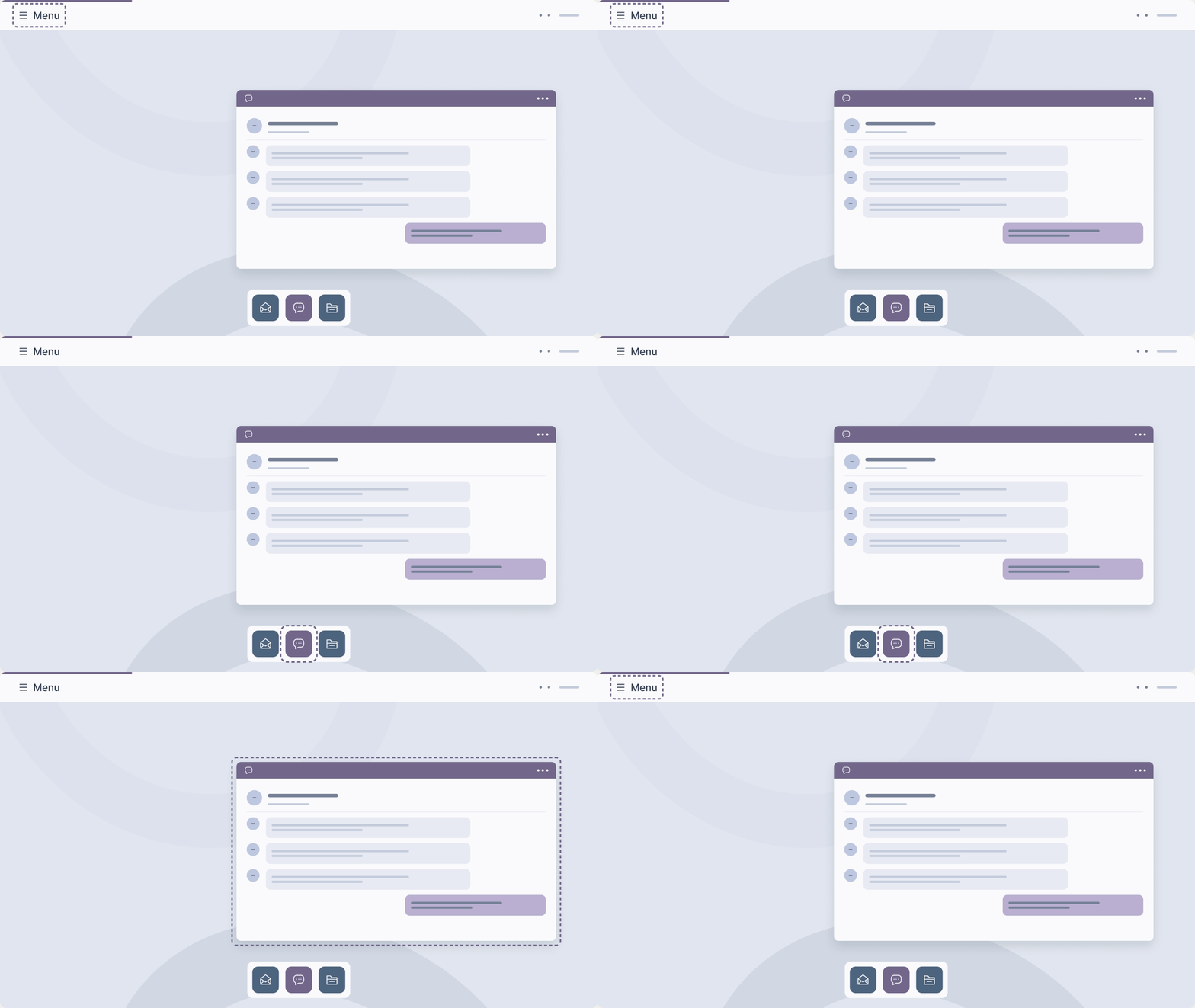
This work covered the entire interface and its windows & components, including keyboard controls, screen-reader feedback for changing states, captions, and support for reduced-motion preferences.
The ‘Chat’ window serves as a good example of this, as new messages and response options appear as the conversation progresses. I used a live region to announce incoming messages to screen readers, alongside labelled response buttons that users could navigate and select using a keyboard.
Built with the future in mind
An additional goal was to build a strong foundation that allowed future courses to reuse the core structure, helping reduce development time and overheads. This also meant being able to evolve the framework and add new scenes, whilst continuing to support existing ones.
This included the ability to apply specific themes, adjusting the styling and colours to give each course its own identity, along with full control over the scene sequences and content.

Delivery
Upon initial completion, I worked closely with the studio’s design, strategy and QA teams throughout testing and client acceptance. This included reviewing feedback, investigating implementation issues and making fixes and refinements where required.
The finished application was successfully delivered and remains in global use within the learning platform. I have continued to work on the framework to create additional courses.
Personal thoughts:
This was a great project! I loved the challenge of working with specific integrations whilst also having the freedom to experiment with transitions and micro interactions alongside the fantastic team I worked with.
Got a project in mind, or looking for a developer to work with regularly? Email me at dev@jakepike.co.uk and let’s have a chat. 🫡